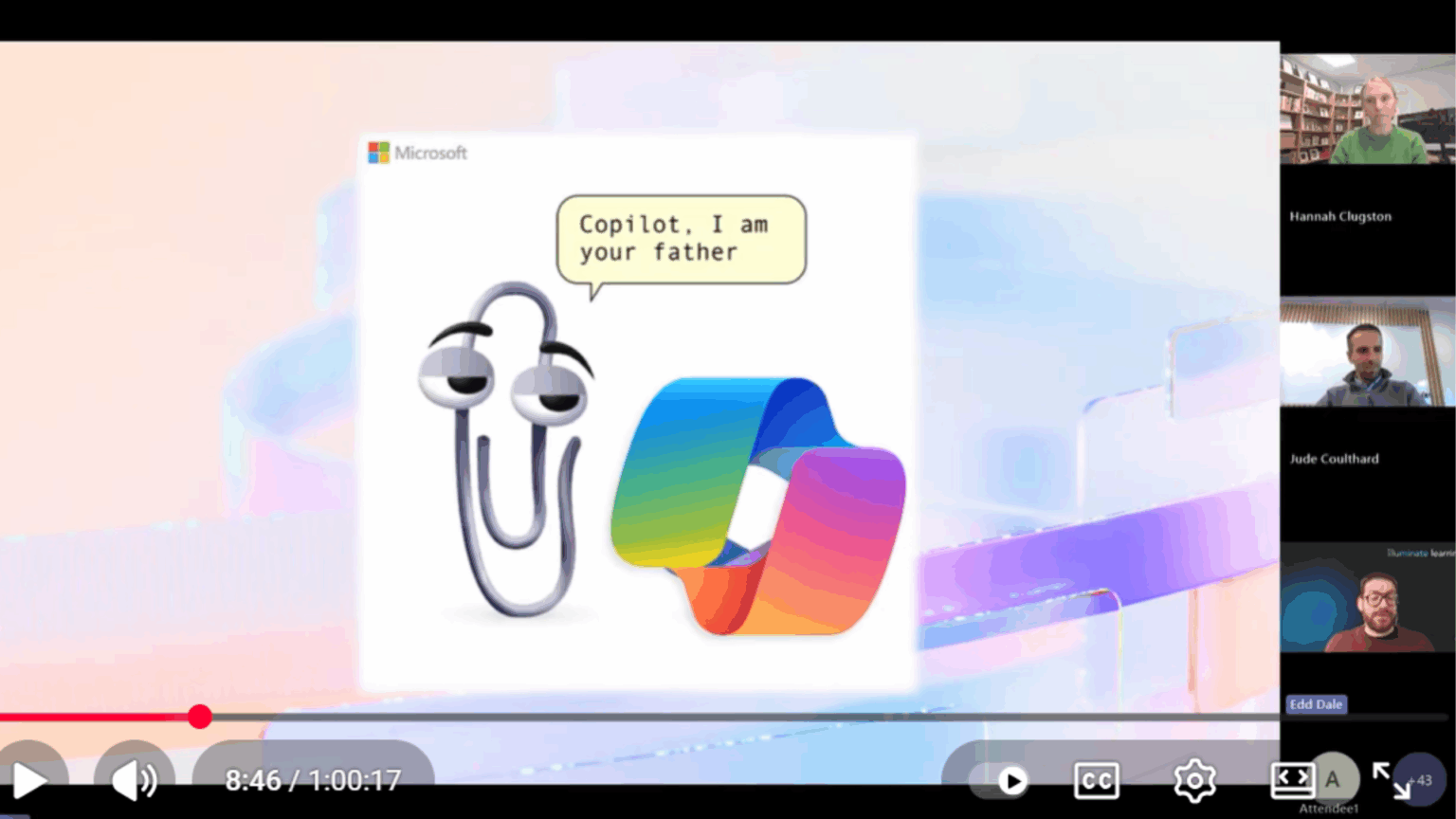
Copilot - Microsoft 365's AI assistant - has been a hot topic amongst our customers over the past year. We've heard questions like: is Copilot better than ChatGPT and Gemini? Why bother with Copilot when ChatGPT is free? Isn't Copilot not very good? The list goes on.
So, we thought we'd host a webinar to introduce Copilot from scratch and to dispel some of the myths around it. For example, Copilot uses the same underlying technology as ChatGPT but it is secure; Microsoft does not use your data to train its models whereas the free version of ChatGPT does. Additionally, Copilot integrates seamlessly into all your favourite Microsoft tools, summarising emails in Outlook and offering guidance in Word.
We spent time with Edd Dale of Illuminate Learning to find out how to get started with Copliot. Edd introduces the different Copilot options and discusses the many ways in which Copilot can save time on daily tasks.
Watch the webinar below or read on for more.
What is Microsoft 365 Copilot?
Copilot isn’t just one tool, it’s a whole family of smart assistants from Microsoft. There’s Copilot for Microsoft 365, Copilot Chat and special versions for Power Platform, Dynamics, and more. Each one is designed to help with different tasks, whether you’re working solo or as part of a team.
The consumer Copilot is like ChatGPT and comes with home licenses. And Copilot Chat is free with commercial Microsoft 365 licenses, giving you secure, organisation-only AI chat.
Unlike free AI tools, Copilot Chat and M365 Copilot keep your business data private; they never use your info to train their models. This means your sensitive data stays safe within your company’s Microsoft 365 environment.
How secure is Copilot?
Security is built in. Copilot uses your company’s existing access controls, so people only see what they’re allowed to see. Before you get started, it’s a good idea to review who can access what, especially on SharePoint and OneDrive, to avoid employees stumbling across data they shouldn’t if they happen to be searching for: “who has the highest salary?”
Copilot only works with cloud data (OneDrive, SharePoint), not files stored on local servers, so, moving important files to the cloud unlocks Copilot’s full power.
How can Copilot assist you at work?
Copilot is like having a super-powered assistant in all your favourite Microsoft tools, helping you when using Word, PowerPoint, Excel, Outlook and Teams. Here are few things it can do...
Word: Cut down the creation of proposal time by inputting meeting notes and proposal templates into Copilot and it can mock something up in minutes.
PowerPoint: If aforementioned proposal is looking a bit tired, ask Copilot to turn them into attractive slides.
Excel: Analyse big data sets, spot trends and run complex calculations with simple prompts. No need to be a data expert!
Outlook: Organise your inbox, summarise long email threads, draft replies and manage high volumes of mail. This is especially handy after time off!
Teams: Record meetings, generate summaries, track actions and even analyses sentiment. Catch up on missed meetings and stay focused during live ones.
Tips for a smooth Copilot roll out
When introducing Copilot to your business, here are few things we’d recommend:
- Organise your data. Before you even buy a license make sure your SharePoint is tidy and organised, so staff can only access what they need to.
- Appoint AI champions to stay up-to-date with Copilot developments and to assist other staff when using it.
- Encourage a mindset shift and get everyone to ask, “Can AI help with this?” before starting a task.
- Consider implementing some advanced training for your team to learn useful prompts and to explore advanced features to boost productivity.
How can Resolve help us with Copilot?
We use Copilot every day, so we know how to roll it out at businesses and how to get the most out of it.
Get in touch with us if you need some assistance securing your SharePoint, selecting the correct licenses or training your team in how to use Copilot effectively.
Call us on 0114 299 4050 or email solutions@resolve.co.uk